Veo 3
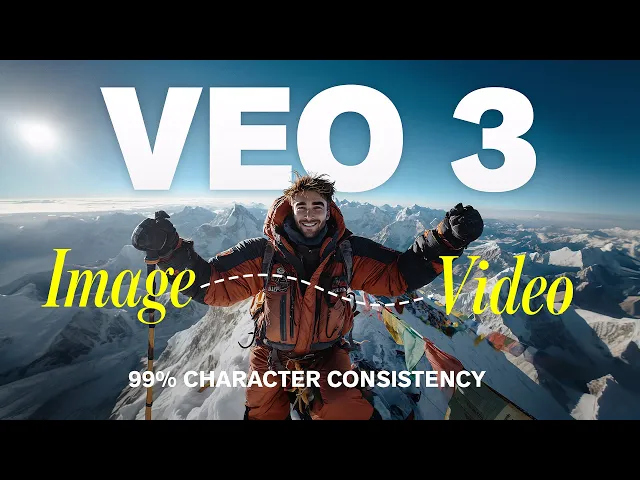
Veo 3 is Google’s latest-generation video generation model with native audio-video sync, high-fidelity 8-second outputs, and improved physical realism. It supports text-to-video and image-to-video, plus a faster Veo 3 Fast mode for rapid creation—ideal for creative workflows and commercial use.
Try Veo3 For Free
Why choose Hailuo AI
Native Audio Generation
Native Audio Generation
Veo 3 automatically generates complete, high-quality audio tracks for every video it creates. This includes natural-sounding dialogue, background ambience, environmental effects such as footsteps, wind, or water, and even subtle sound details that match on-screen motion.
Text-to-Video & Image-to-Video:
Text-to-Video & Image-to-Video:
With Veo 3, you can turn your words or images directly into short, cinematic clips. Simply describe a scene in natural language or upload an existing photo, and the system will bring it to life with dynamic motion and realistic sound. This capability allows for rapid concept testing, turning static creative ideas into vivid moving scenes within seconds.
Accurate Lip Sync
Accurate Lip Sync
Veo 3 uses advanced AI models to ensure that every spoken word matches up perfectly with the movement of characters’ lips, resulting in natural and believable dialogue sequences. This precise lip synchronization goes beyond typical automated animation, reducing the awkwardness often found in other video generators.
Realistic Physics
Realistic Physics
Veo 3 also incorporates sophisticated physics simulation to animate scenes with believable motion, lighting, and interactions between objects. Environmental details—like water ripples, cloth movement, shadow casting, and reflections—are rendered convincingly to mirror the laws of nature.
High Resolution Output:
High Resolution Output:
Veo 3 supports video output up to 1080p resolution, delivering crystal-clear images and sharp details that meet professional visual standards. For users who need faster turnaround or lower costs, an optimized “Veo 3 Fast” mode is available, providing prompt results with slightly reduced resolution.
Cinematic Camera Controls
Cinematic Camera Controls
Through Google’s Flow app integration, users can direct camera work with cinematic precision—adjusting pans, zooms, dolly shots, and even complex multi-layered perspectives. This enables filmmakers to give AI-generated videos a professional, artistic touch that resembles traditional film production.
Prompt Fidelity & Scene Consistency
Prompt Fidelity & Scene Consistency:
The model is designed to follow input instructions faithfully, producing outputs that closely match the specified style, mood, and camera settings. While perfect consistency of characters across multiple scenes is still a work in progress, the current generation already achieves impressive continuity in shorter sequences.
How-to
How to Use Veo 3 on Vidsoul?
Veo 2 vs Veo 3
Veo Models Comparison
| Feature / Metric | Veo 2 | Veo 3 |
|---|---|---|
| Release Date | 2024 | 2025 |
| Resolution | Up to 4K (16:9 for cinematic, 9:16 for social) | Up to 1080p (4K coming soon on enterprise/Vertex) |
| Clip Length | Usually 4–8 sec, can be extended in enterprise | Standard 8 sec, up to 12 sec (Vertex AI, Gemini Ultra/Pro) |
| Audio Generation | No native audio; silent videos by default | Native audio: dialogue, sound effects, ambient noise |
| Lip Sync | Precise, but requires external tools or manual syncing | Native, AI-driven accurate lip sync and speech syncing |
| Physics Simulation | Advanced: realistic movement, lighting, shadows, water/cloth, moderate realism | Next-gen physics: dynamic, multi-layered effects, improved motion and visual realism |
| Prompt Handling | Follows complex prompts, supports camera angles, art styles, genres | Better adherence to prompts, more nuanced scene and camera control |
| Input Types | Text and image prompts | Text and image prompts (Image-to-video expansion adds audio, improved fluidity) |
| Integration | Supports Google/Vertex API, limited video editor integration | Integrated with Gemini, Flow; robust SDK/API for JS/Python |
| Use Cases | Silent films, concept tests, cinematic scenes, quick social media clips | Talking scenes, branded spots, prototyping, immersive storytelling |
| Output Formats | Video only (MP4) | Video w/ audio (MP4), mute toggle possible |
| Camera Controls | Cinematic control via prompt, genre, lens, etc. | Advanced camera controls via Flow app, more refined motion tools |
| Typical Framerate | 24–30 FPS | ~30 FPS, more fluid and stable |
| Developer Support | API, supports automation and embedding | Advanced SDK/API, easier automation, richer toolkit |
| Available Plans | Supported on Google AI, Vertex AI; free and paid tiers | Gemini Pro/Ultra, Vertex AI, 3-month trials, broader rollout coming |
| Best For | Quick visual tests, stylized animation, high-res concept pieces | Complete video/audio scenes, branded social clips, storyboards with sound |
| Limitations | No audio native, less scene consistency, floaty motion in fast-action | Audio sometimes random, 1080p only for consumer, regional rollouts ongoing |
Youtube Review of Veo 3
Users' Feedback From X
Pricing and Plans
Flexible Plans for Your Need
Discover More
Discover More Models apart from Veo 3
FAQs